Windows & macOS Reinstall
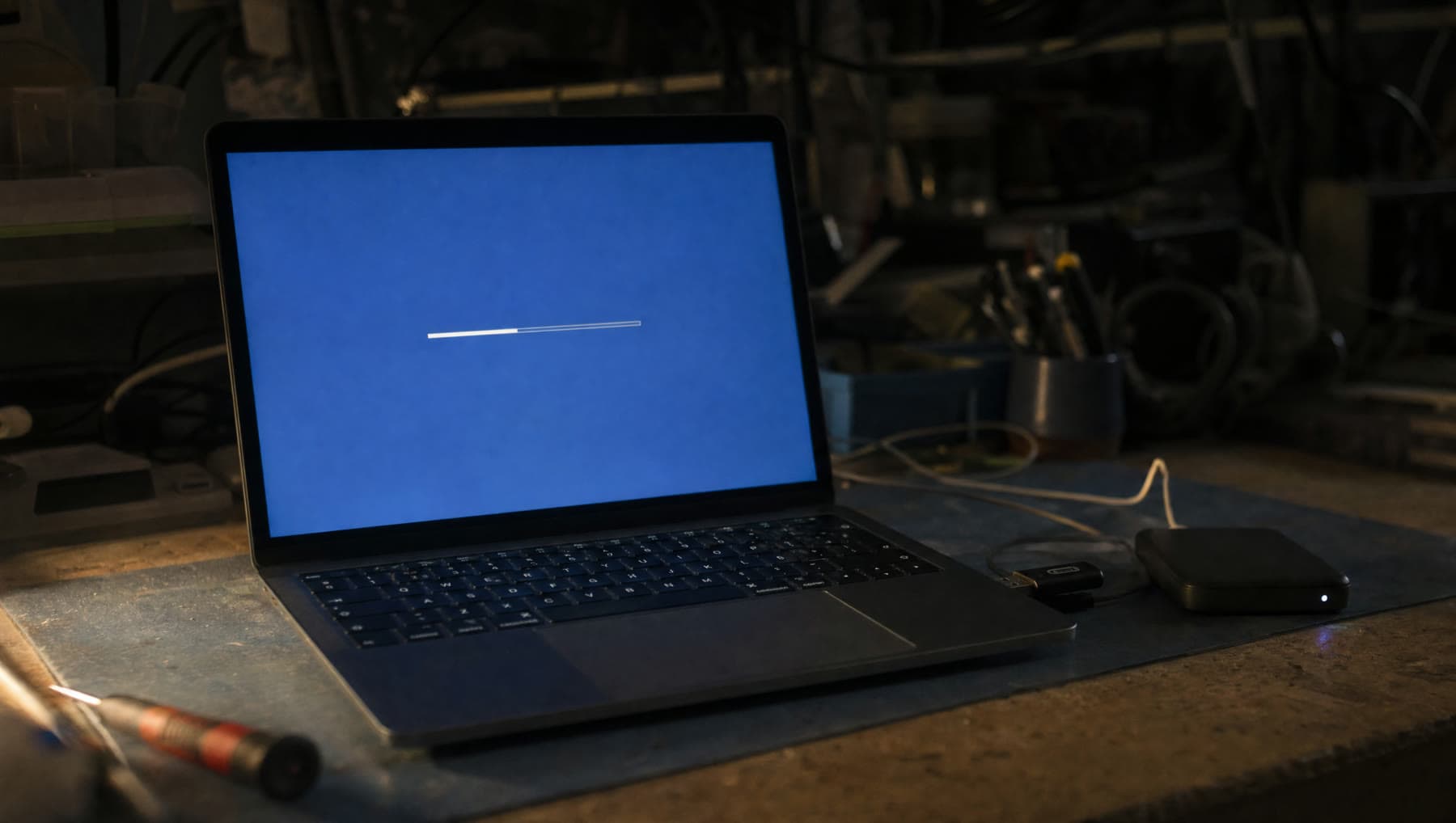
Covered by the flat $75, and your files are backed up before anything is erased. You get the machine back set up, not a blank slate to figure out.
- Price
- In the $75
- Turnaround
- 1–2 days
- If we can't fix it
- The labor fee is on us
Sounds like your machine?
- It crashes, freezes or restarts on its own with no pattern
- Blue or black error screens that keep coming back
- It never fully recovered from a failed update
- It's been cleaned of malware but still isn't right
- You've bought a machine second-hand and want it genuinely clean
- It's so cluttered after years of use that nothing works properly
- You want to sell or give it away and need it wiped safely
Any of these and it’s worth a look. Diagnosis is included in the flat rate, so finding out costs you nothing extra.
When a reinstall is the right call
There's a point where chasing individual faults costs more than starting fresh. A machine with a corrupt system update, years of half-removed software, a botched driver and three antivirus programs fighting each other can be repaired piece by piece — or it can be rebuilt in an afternoon and simply work.
We'll tell you which situation you're in. A reinstall isn't a first resort, and plenty of problems that look catastrophic turn out to be one bad driver. But when it is the answer, it's the answer that lasts.
It's also the honest response to a serious compromise. If something had deep access to your machine, cleaning it leaves a question mark. Rebuilding it doesn't.
Your files come first, always
Nothing is erased until your data is safely copied off and verified. Documents, photos, desktop, downloads, email archives, browser bookmarks and saved passwords where they can be exported — we take a full copy before the drive is touched, and we check the copy is readable rather than assuming.
After the rebuild it all goes back where it belongs. You don't collect a blank computer and a folder called BACKUP to sort out yourself.
The one thing we can't move automatically is a program's license key, so if you have paid software — an Office subscription, design tools, a tax package — mention it at drop-off and we'll make sure the details are captured before the wipe rather than after.
What you get back
A clean current version of Windows or macOS, fully updated, with the correct drivers for your actual hardware rather than whatever generic set the installer guessed at. Your files back in place, your printer working, your email set up, and your browser signed in with the bookmarks you had.
What you won't get back is the pile of trial software, browser toolbars and startup nags the machine accumulated. That's rather the point.
We'll also set up the built-in backup while we're in there, so the next time something goes wrong it's a much shorter conversation.
Selling or passing it on
If you're getting rid of a machine, deleting your files and emptying the bin does not remove them — anyone with free recovery software can read them straight back off the drive. This matters more than people expect, given what's on a computer: tax records, saved banking logins, photographs.
We wipe drives properly, in a way that doesn't leave your data behind for the next owner, and reinstall a clean system so it's ready to hand over. If the machine is going for recycling rather than resale we'll point you somewhere that does it responsibly.
What’s included
- Full verified backup of your files before anything is erased
- Clean, fully updated install of Windows or macOS
- Correct hardware drivers, not generic guesses
- Your files, printer, email and browser restored and working
- Built-in backup configured before you collect it
- Secure drive wipe if the machine is being sold or passed on
If we can't fix it, the labor fee is on us. Parts only billed when installed.
Questions we get asked
Will I lose everything if you reinstall Windows?
No. We back your files up and verify the copy before anything is erased, then put everything back afterwards. You collect a working, set-up computer, not a blank one.
Do I need to buy a Windows license?
Almost never. Modern machines carry their license in the hardware, so a reinstall reactivates automatically. If yours is an unusual case we'll tell you before proceeding rather than surprising you at the counter.
How long does a reinstall take?
Usually one to two days. The install itself is a couple of hours, but backing up, verifying, updating, installing drivers and restoring your files is most of the work — and rushing that part is how things get lost.
Is deleting my files enough before I sell my computer?
No. Deleted files remain readable with freely available software until they're overwritten. If you're selling or donating a machine, it needs a proper wipe. That's included when we reinstall for that purpose.
Related repairs
Where we do this
We’re at 14327 MO-5, Sunrise Beach, MO 65079, on Route 5. People drive in from across the Lake of the Ozarks:
Let’s take a look at it.
Two minutes online, or just walk in during shop hours.
or call (573) 555-0142