SSD Upgrades
$75 labor plus the drive. Everything moves across exactly as it was — same files, same programs, same desktop, roughly ten times the speed.
- Price
- $75 labor + the SSD
- Turnaround
- 1–2 days
- If we can't fix it
- The labor fee is on us
Sounds like your machine?
- Startup takes minutes rather than seconds
- The machine freezes solid for long stretches, then catches up
- The drive light stays on constantly
- Faint clicking or seeking noises when it's working
- Programs take an age to open even though the computer isn't old
- You've been told the computer is "too old" but it seems fine otherwise
Any of these and it’s worth a look. Diagnosis is included in the flat rate, so finding out costs you nothing extra.
Why this one upgrade matters more than any other
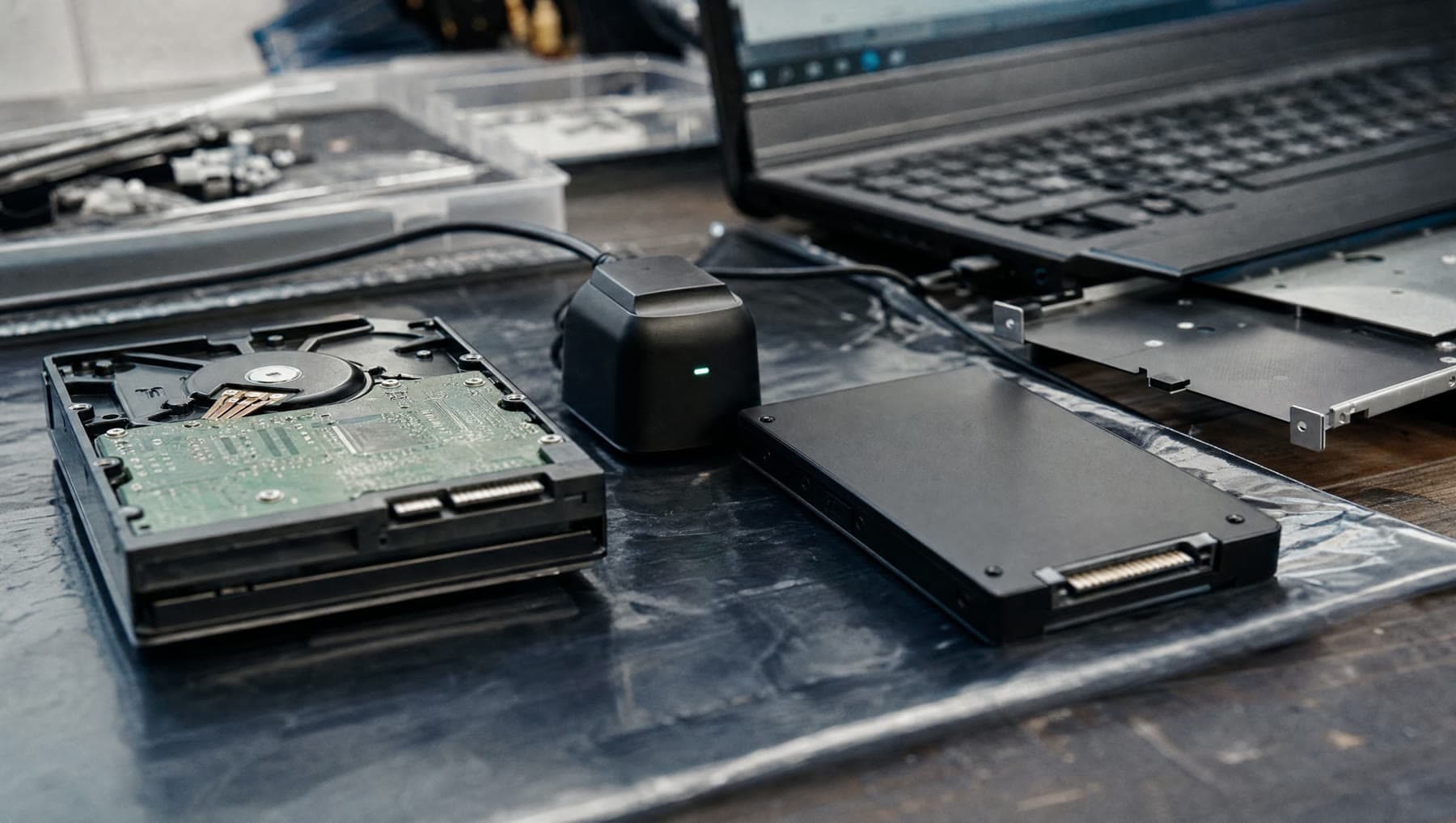
A mechanical hard drive has a physical arm that has to move to the right spot on a spinning platter before it can read anything. A solid-state drive has no moving parts and answers effectively instantly. For the kind of work an operating system does — thousands of small scattered reads — the difference isn't a percentage. It's roughly an order of magnitude.
In practice: a laptop that took three minutes to become usable becomes usable in fifteen seconds. Programs open as you click them. The long unresponsive freezes stop entirely, because they were the drive struggling to keep up rather than the computer thinking.
It is the only upgrade we know of that reliably makes people say their eight-year-old laptop feels newer than the machine they were about to replace it with.
Nothing gets lost or reinstalled
The part people worry about is having to set everything up again. You don't. We clone the existing drive across sector by sector, so what arrives on the new drive is precisely what was on the old one — your files, your programs, your printers, your saved passwords, your desktop arranged the way you like it.
You switch it on and it's the same computer. It's just fast.
We keep your original drive intact until you've confirmed everything is where it should be, so there's always a way back. If you'd like, we'll put it in an enclosure so it becomes a backup drive rather than sitting in a drawer.
What size, and what it costs
Labor is the flat $75. The drive itself depends on capacity: at the time of writing, a 500GB SSD suitable for most laptops runs around $40 to $60, and 1TB around $70 to $110. We'll quote the exact figure before ordering.
On capacity — buy for what you use, not what you might. Most people we see are using well under 250GB despite having a 1TB drive, and the money is better spent elsewhere. We'll check what you're actually using and recommend accordingly. Where the existing drive holds more data than the new one, we sort that out with you before cloning rather than discovering it halfway through.
Which machines can take one
Nearly all of them. Desktops essentially always. Laptops from roughly the last fifteen years usually have either a standard 2.5-inch bay or an M.2 slot, and often both — in which case you can keep the old drive in place for storage alongside the new one.
The exceptions are some very thin ultrabooks and most Macs from about 2016 onward, where the storage is soldered to the mainboard and cannot be changed by anyone. We'll tell you within minutes of looking at the machine which category yours is in.
What’s included
- Check that your machine can take an SSD, and which type it needs
- The right drive sourced and quoted before purchase
- Full sector-by-sector clone — files, programs and settings all intact
- Boot configuration and drive alignment set up properly
- Your original drive kept intact until you've confirmed all is well
- Optional enclosure so the old drive becomes your backup
If we can't fix it, the labor fee is on us. Parts only billed when installed.
Questions we get asked
Will I lose my files or have to reinstall my programs?
No. We clone the drive rather than reinstalling, so everything comes across exactly as it was — files, programs, printers, passwords, desktop layout. You switch it on and it's the same computer, only fast.
How much faster will it actually be?
For everyday work, dramatically. Startup typically drops from minutes to well under half a minute, and the long freezes stop. It is the most noticeable upgrade available to an older machine by a wide margin.
Can my laptop take an SSD?
Almost certainly, if it's a desktop or a laptop from roughly the last fifteen years. The main exceptions are very thin ultrabooks and most Macs from 2016 onward, where storage is soldered on and can't be replaced. We can tell you in a few minutes.
Is it worth doing on a really old computer?
Usually, if everything else about the machine is sound. Around $115 all-in for a laptop that then feels new is good value against several hundred for a replacement. If the screen, battery and hinges are also going, we'll tell you to save your money.
Related repairs
Where we do this
We’re at 14327 MO-5, Sunrise Beach, MO 65079, on Route 5. People drive in from across the Lake of the Ozarks:
Let’s take a look at it.
Two minutes online, or just walk in during shop hours.
or call (573) 555-0142